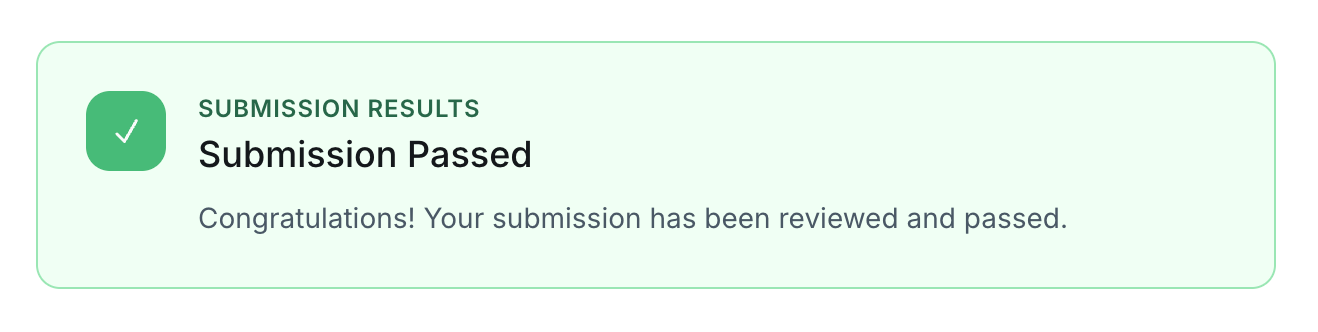
Submitting your project successfully starts before you click “Submit.” Many submission issues happen because key requirements are missed or the project rubric isn’t fully followed. Use the checklist below to make sure your submission is complete from the first time.
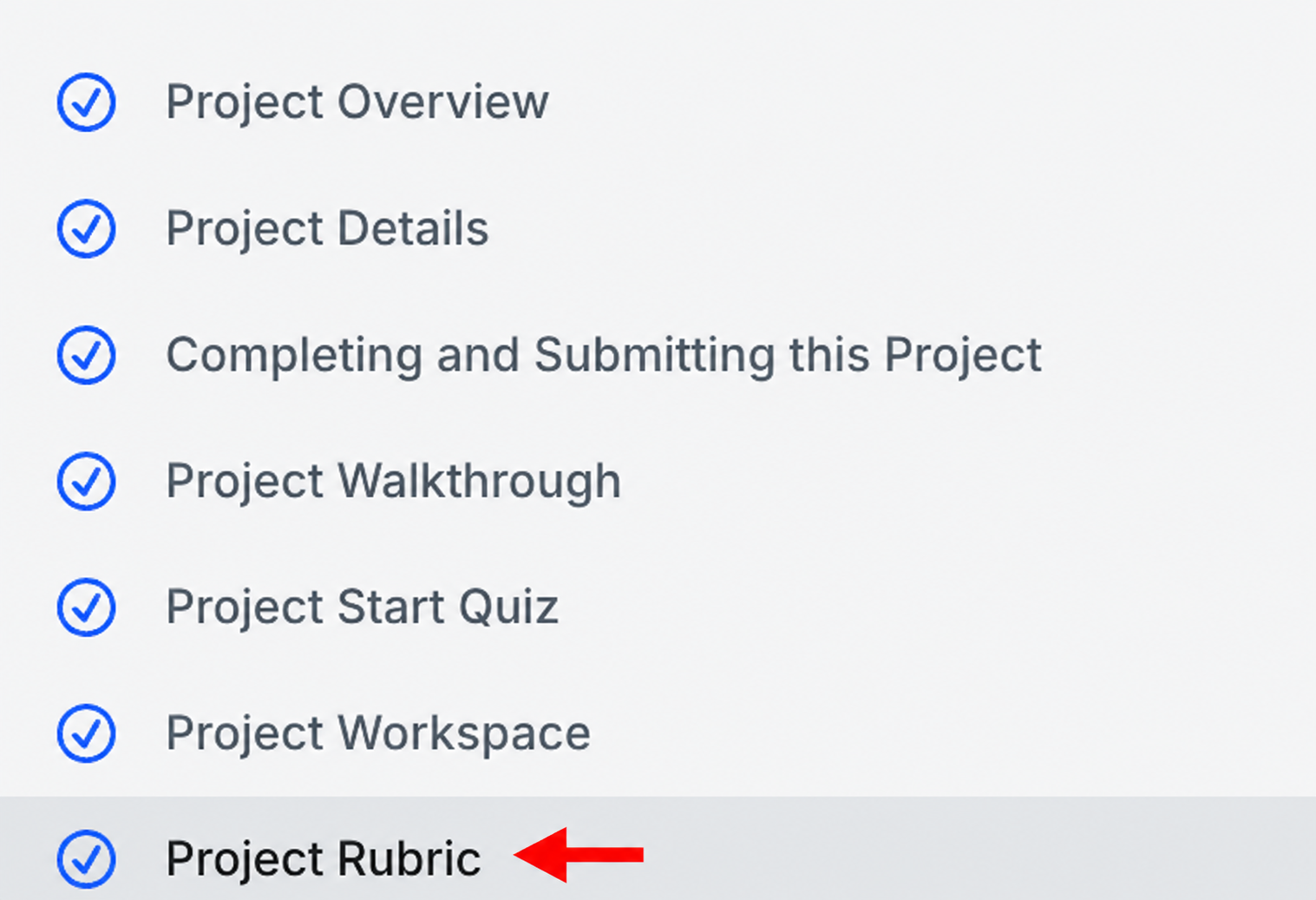
1. Review your Project Rubric Carefully
Before starting your submission:
• Read the full project rubric and requirements.
• Understand what is expected for each section.
• Make sure all requirements are completed and included.
2. Use Accepted File Formats
Before uploading:
• Ensure your project file is in the accepted required format.
• Make sure to not upload unsupported or incomplete files.
3. Submit Your Project
• Upload your final file through the project submission section.
• Confirm that your submission was successful.
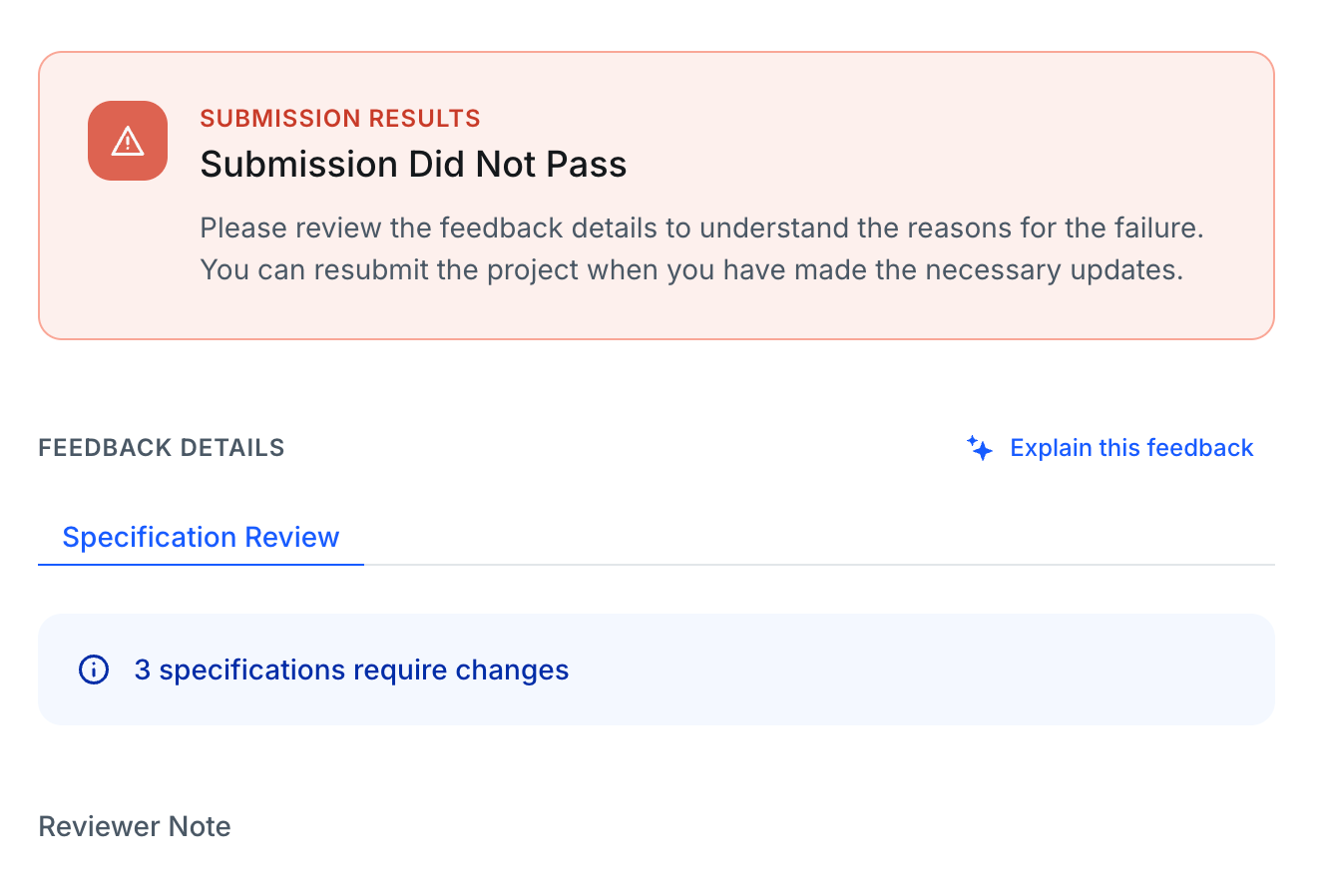
If you received this message, review and incorporate the reviewer’s feedback, and ensure that all required specifications are met.
4. After Submission
• Ensure to not cancel and resubmit your project, as this may delay the review process.
• Reviewers may provide feedback and request updates.
• Carefully read all feedback before resubmitting.
• Confirm that your next submission includes all the requested changes.
Congratulations! Your project has passed.