Choosing the right learning path is an important step in achieving your career goals. Whether you're just getting started, looking to build on your existing skills, or planning a career transition, you can use the Udacity Course Catalog to find the programme that best matches your interests, experience, and learning objectives.
To get started, visit our Course Catalog.
On the Catalog page, you'll find a variety of filters on the left-hand side that can help you narrow down programmes based on your preferences.
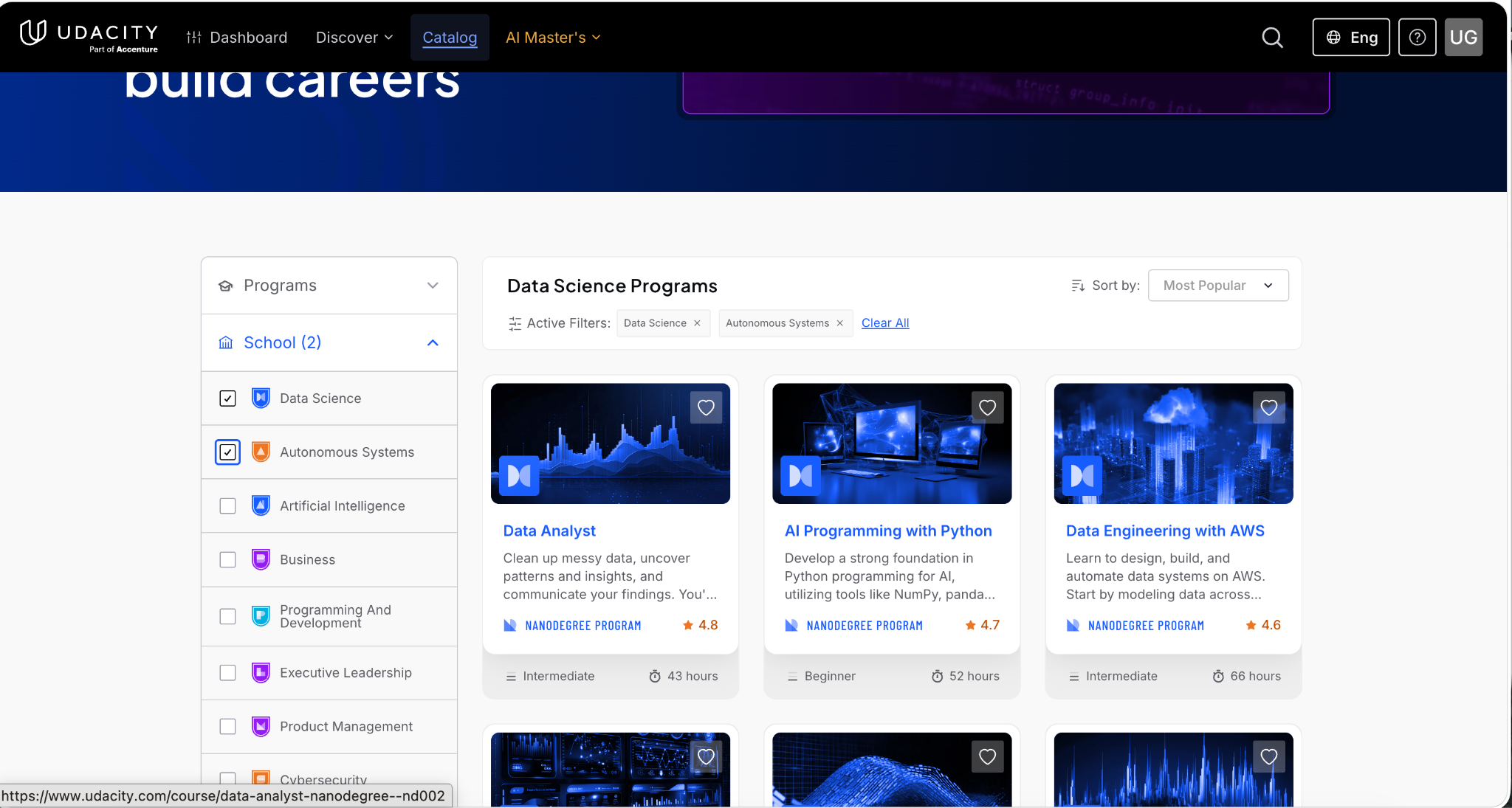
Choose a School
If you already know the field you'd like to learn, use the School filter to browse programs by subject area, such as:
- Data Science
- Autonomous Systems
- Artificial Intelligence
- Business
- Programming and Development
- Executive Leadership
- Product Management
- Cybersecurity
- Cloud Computing
- Career Resources
This helps you quickly explore programmes related to your area of interest.
Choose a Price
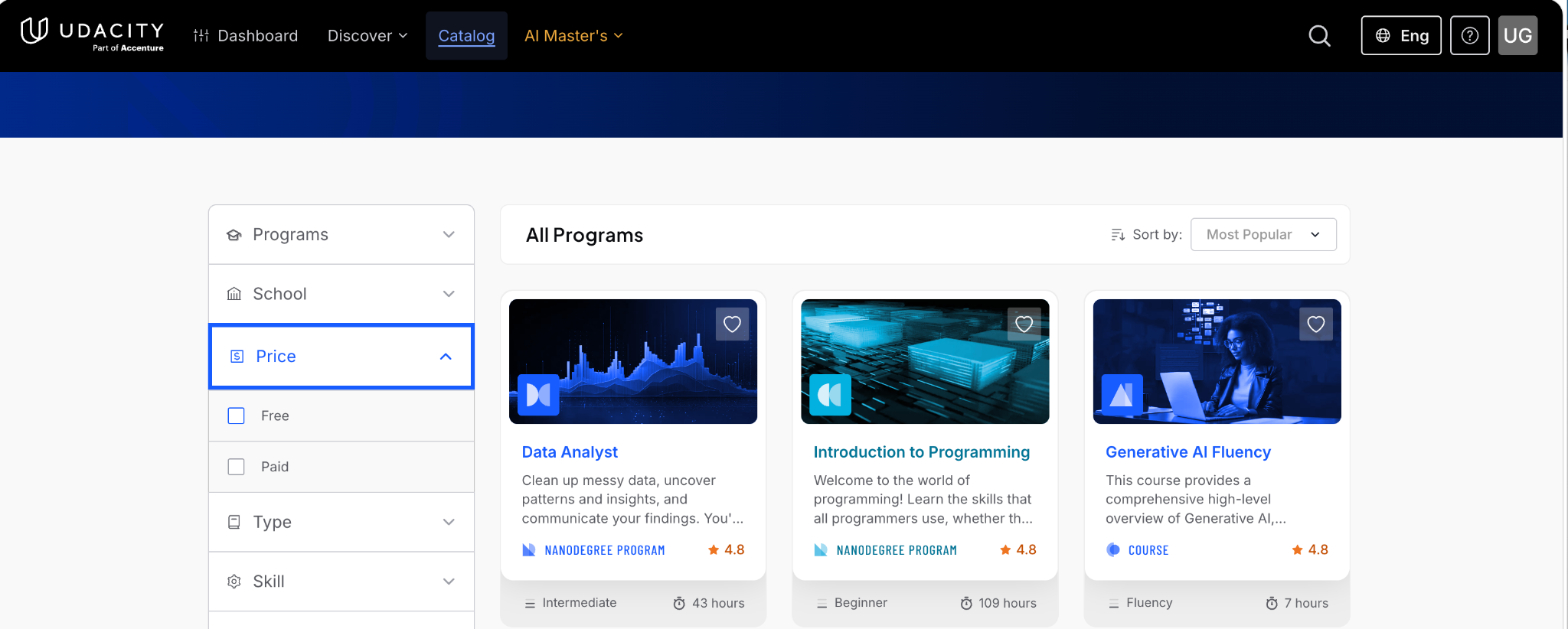
Use the Price filter to display either:
- Free courses
- Paid programmes
Note: Free courses do not include a certificate of completion. Certificates are available only for eligible paid programs.
Choose a Program Type
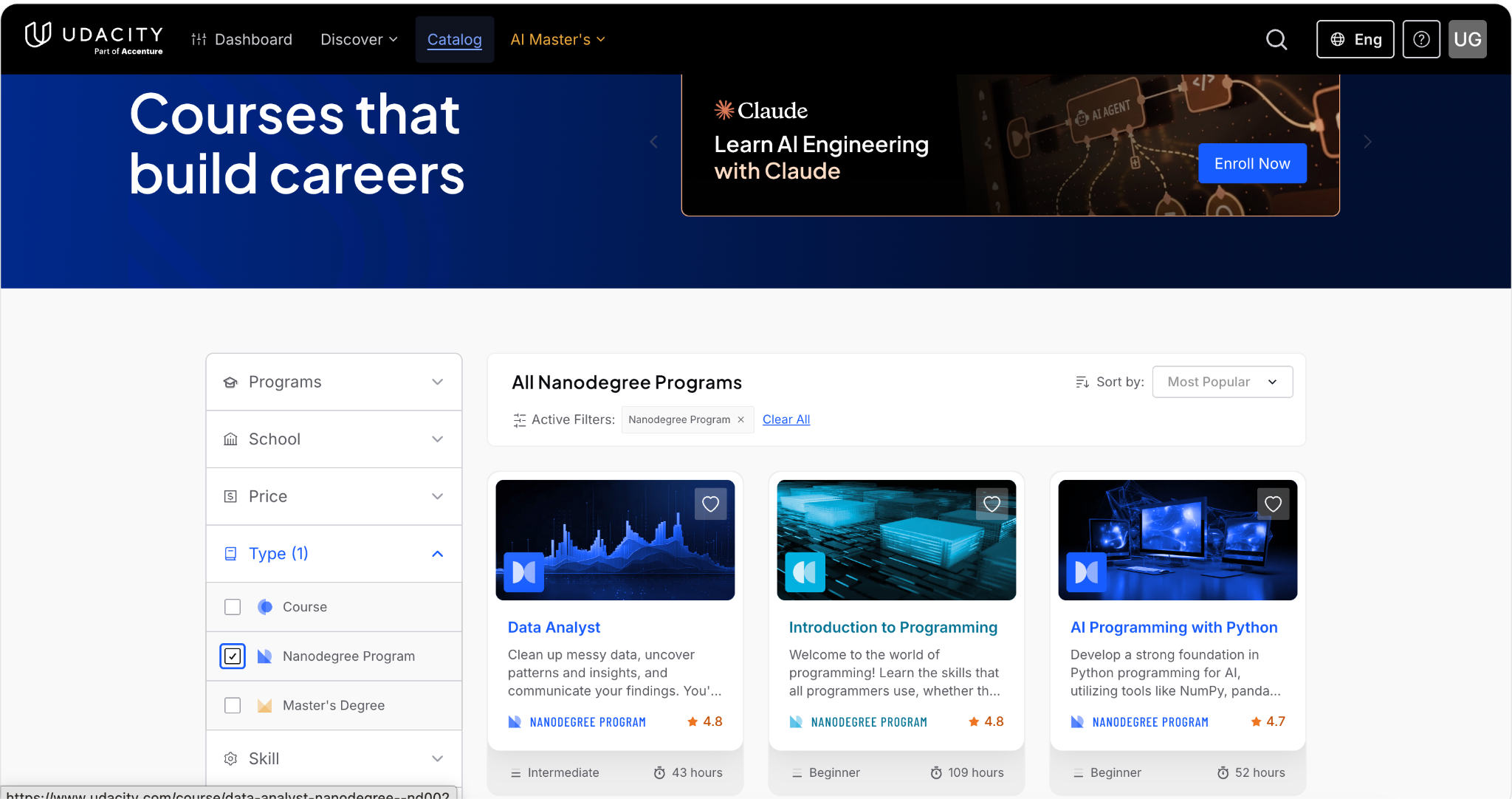
Depending on your learning goals, you can filter programmes by type, including:
Nanodegree Programs
- AI Master's Programs
- Individual Courses
This makes it easier to find the learning format that best suits your needs.
Filter by Skills
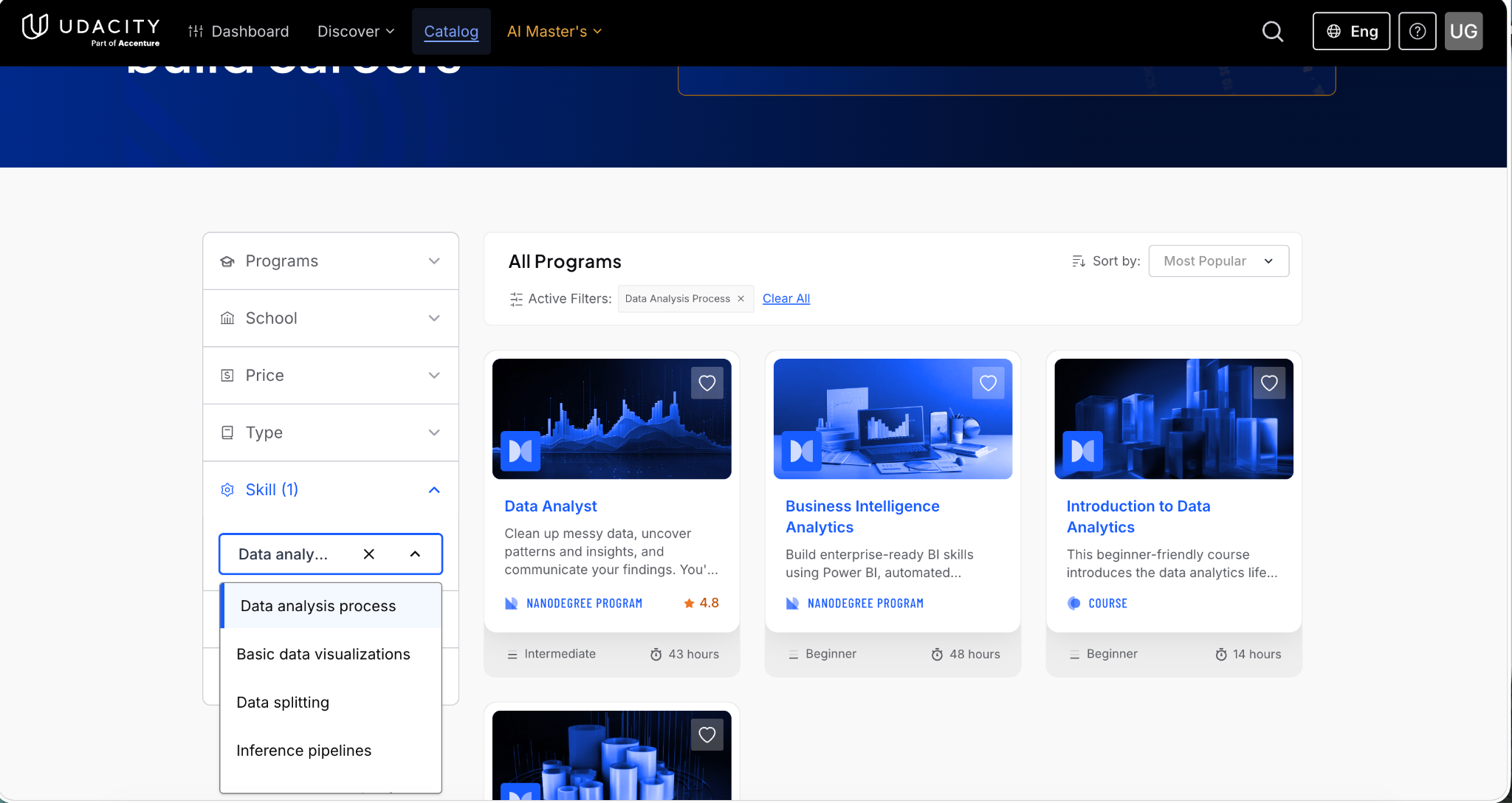
If you're looking to learn a specific skill, use the Skill filter.
For example, if you're interested in Data Analysis Process, simply select that skill from the filter. The catalog will automatically display programmes that teach or focus on that skill.
You can use this filter to explore programmes covering a wide range of technical and professional skills.
Choose Your Skill Level
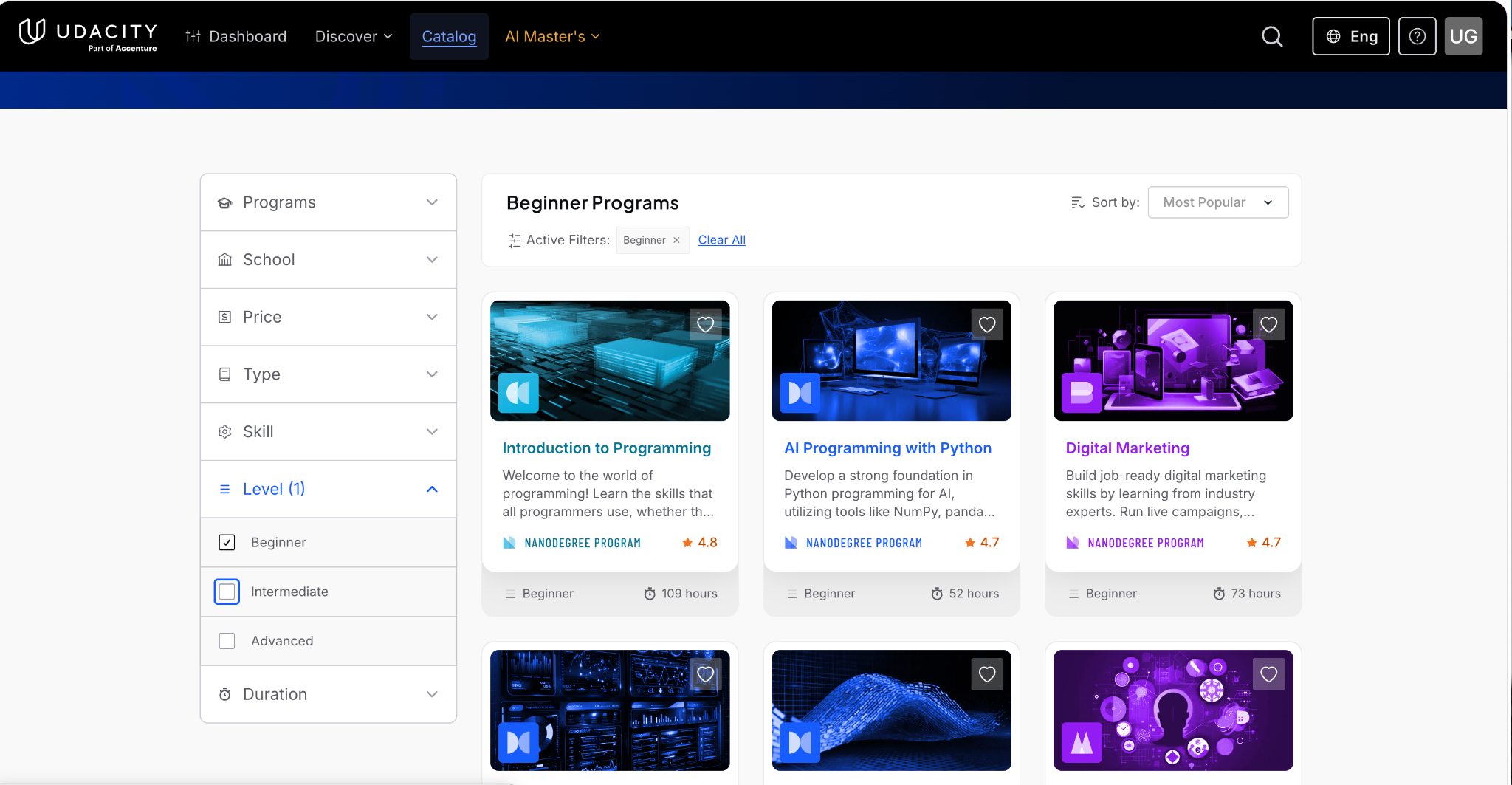
Use the Level filter to find programmes that match your current experience:
- Beginner – Ideal if you're new to the subject and want to learn the fundamentals.
- Intermediate – Suitable if you already have foundational knowledge and want to expand your skills.
- Advanced – Best for experienced learners looking to deepen their expertise.
Choosing the appropriate level helps ensure the programme matches your current knowledge and learning goals.
Choose a Duration
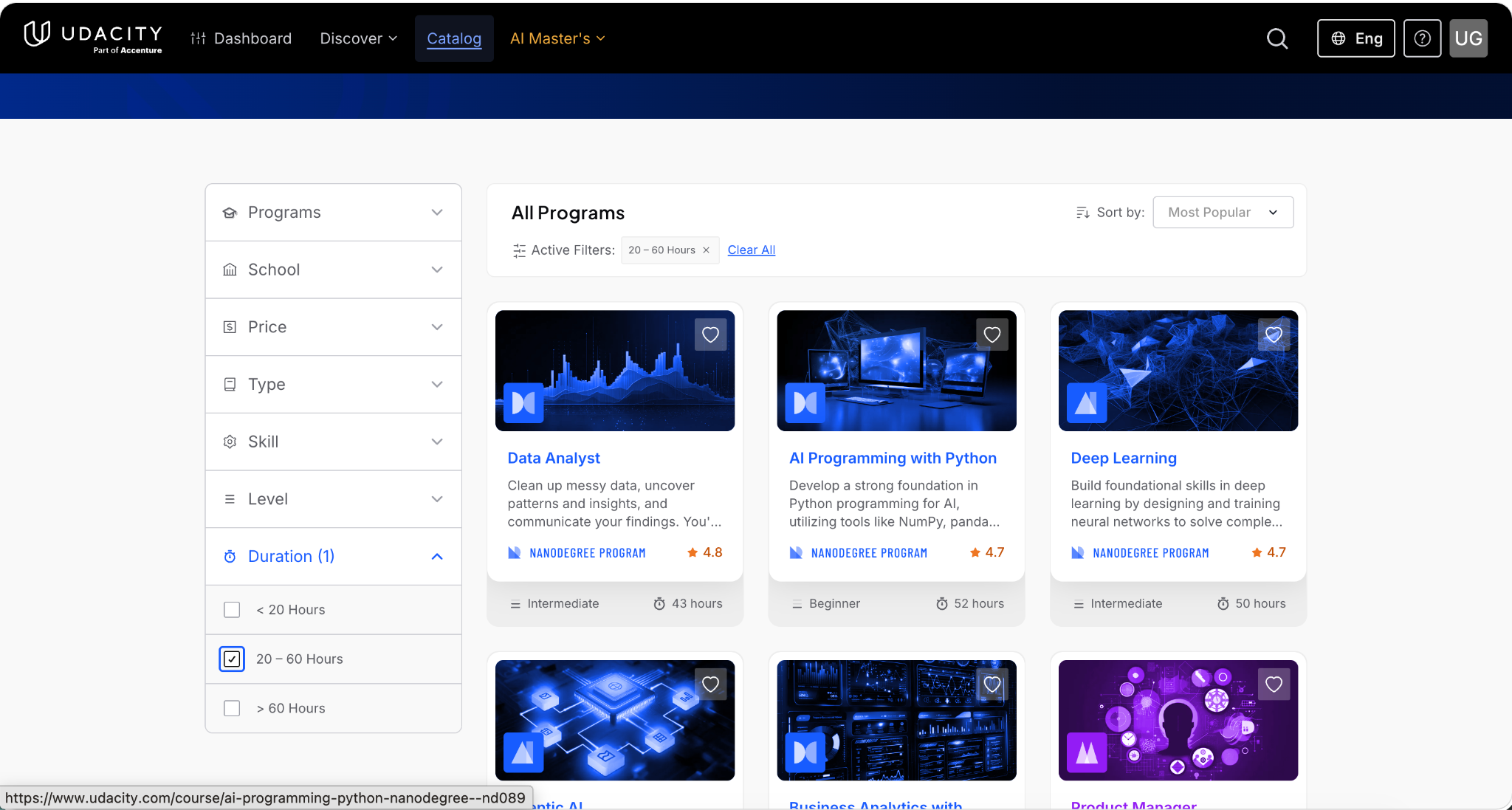
If you're planning your learning around your schedule, use the Duration filter to find programmes based on their estimated completion time, such as:
- Less than 20 hours
- 20–60 hours
- More than 60 hours
This can help you select a programme that fits your availability and preferred pace.
Please note: You are not limited to selecting just one filter. You can apply multiple filters simultaneously to narrow down the programs that best match your learning goals and preferences.
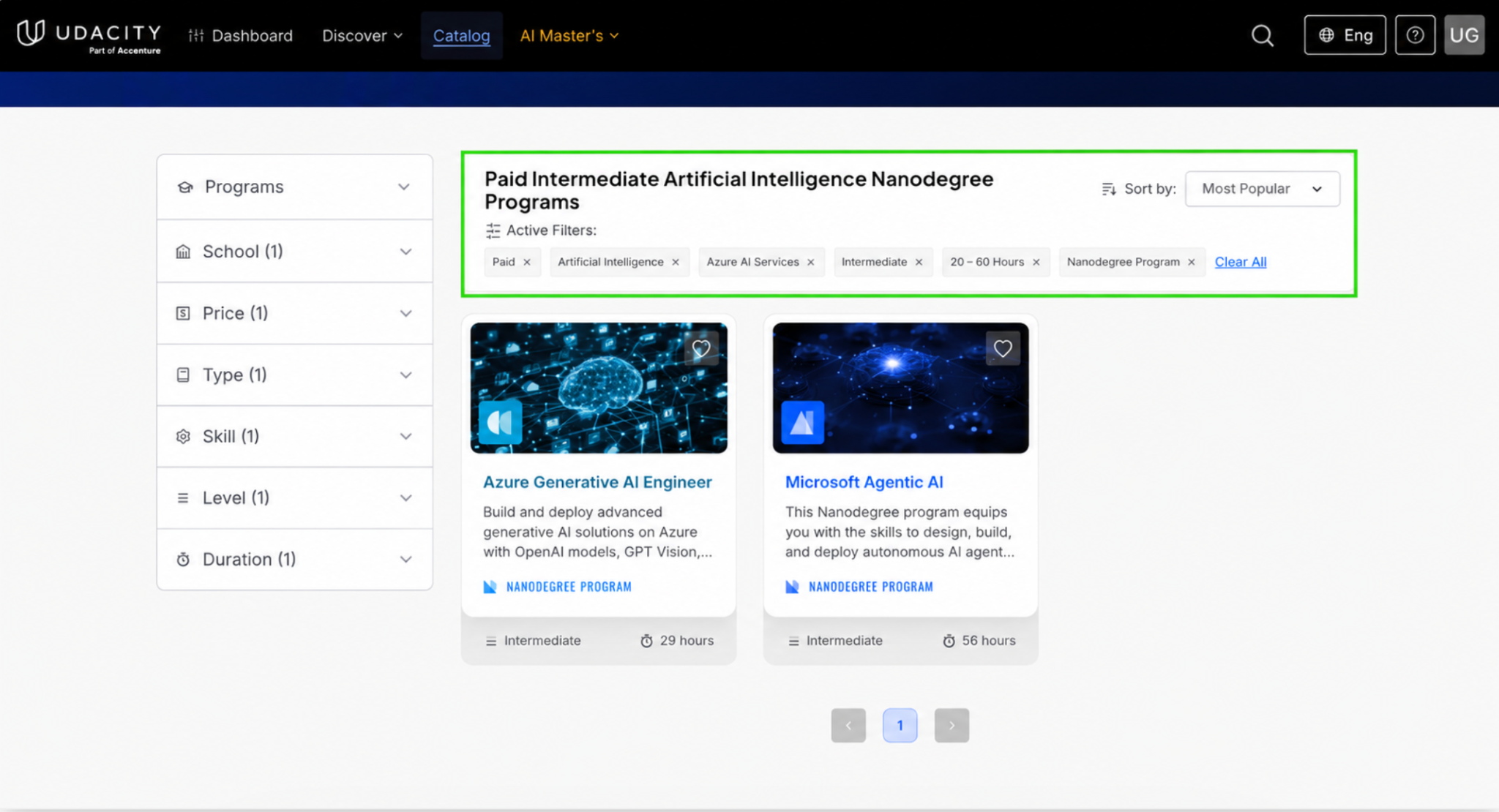
For example, if you're looking for a paid, intermediate-level Data Science Nanodegree Program that takes 20–60 hours to complete, you can select all of those filters together. Once applied, your selected filters will appear under Active Filters, allowing you to easily review, modify, or remove them as needed. The example below demonstrates how multiple filters can be used together to refine your search.